
You are using an out of date browser. It may not display this or other websites correctly.
You should upgrade or use an alternative browser.
You should upgrade or use an alternative browser.
Delete Cookies on Exit
- Thread starter Tour 931
- Start date

If you're using Safari, Private Mode performs that function. But normal browsing on iOS Safari doesn't have that option.For some reason my iPhone 17 changed from Delete Cookies on Exit to accept them. When I look for that setting I can’t find it. When I block all cookies I can’t log on here. Did they remove that setting or just bury it deeper?
TheSongDogHouse
Ranger
You could try Brave browser, make it the default.
Lots more customization and privacy...I like that I can set global settings but also fine tune individual sites- so no irritating ads on youtube, for example...
no ads or popups on xenforo forums...
You can set it to scrape the site by default on exit.
Brave Search from the address bar uses its own AI for free, or you can easily choose another. View attachment IMG_0085.jpeg
And works as well on Ios phone as Windoz PCs, for years.
Lots more customization and privacy...I like that I can set global settings but also fine tune individual sites- so no irritating ads on youtube, for example...
no ads or popups on xenforo forums...
You can set it to scrape the site by default on exit.
Brave Search from the address bar uses its own AI for free, or you can easily choose another. View attachment IMG_0085.jpeg
And works as well on Ios phone as Windoz PCs, for years.
Last edited:
TheSongDogHouse
Ranger
Lots of comparisons online.

 brave.com
See how Brave stacks up against the competition. | Brave
See our detailed comparisons of Brave vs. other browsers and search engines. Understand how each stacks up on features, privacy, performance, and independence so you can choose the best option for you.
TheSongDogHouse
Ranger
Btw heres what I got when I asked Brave search, reached by typing the question in address bar...For some reason my iPhone 17 changed from Delete Cookies on Exit to accept them. When I look for that setting I can’t find it. When I block all cookies I can’t log on here. Did they remove that setting or just bury it deeper?
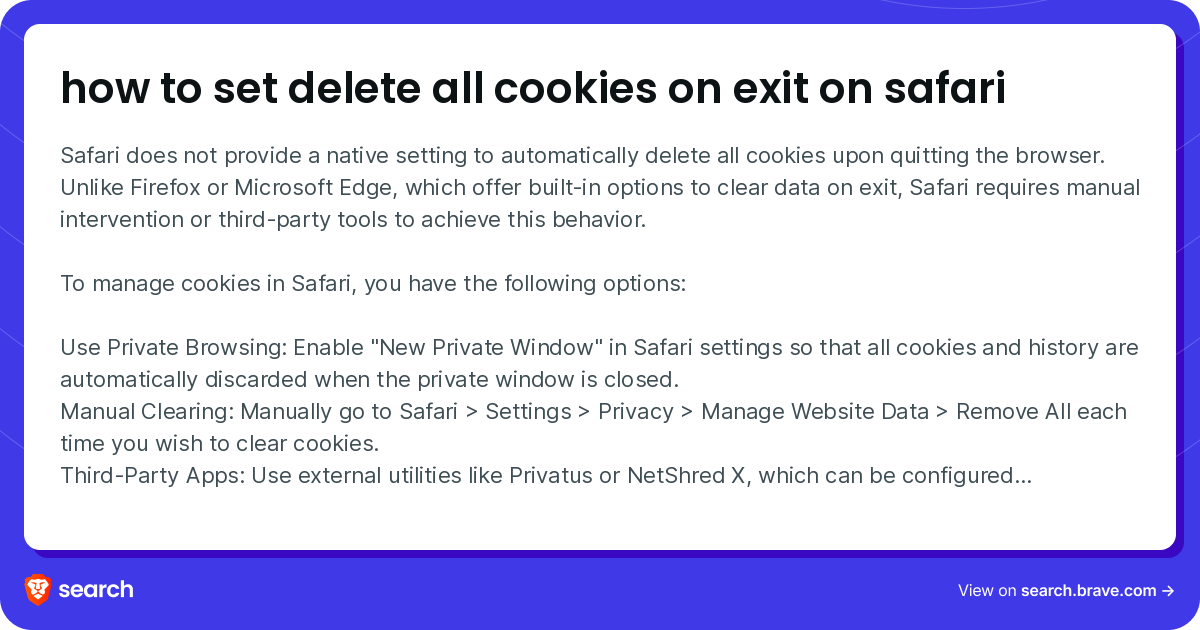
how to set delete all cookies on exit on safari
Safari does not provide a native setting to automatically delete all cookies upon quitting the browser. Unlike Firefox or Microsoft Edge, which offer built-in options to clear data on exit, Safari requires manual intervention or third-party tools to achieve this behavior. To manage cookies in...
 search.brave.com
Apple is getting as bad as Microsoft, pushing NEw ImPrOvEd fEaTuRes just to make some marketing product mgr zher ISO bonus, and I would not be surprised an update of Ios flipped your sekection to default whatever lets them spy and share data the most.
I sweartogawd.
Bring back the flip phone or better the Jitterbug, stat!
Grumble grumble...
dammit where did I leave my reading glasses...
Why did I come in this room again?
Last edited: